Experience TV
Like Never Before
Live TV, Movies, Series, TV Guide, Catch Up, Radio and Recording in one fast, good-looking player — on your TV, phone, tablet and PC.
Our app is available on
Official Dash Player downloads
Everything You Need
Packed with powerful features designed for the ultimate viewing experience.
Live TV
Fast zapping, channel list with preview, groups, favourites and your own lists.
TV Guide & Catch Up
Full programme guide, now & next on every channel, and watch back what you missed.
Movies & Series
Poster library with cast, ratings, trailers, "More like this" and Continue watching.
Recording
Record live TV now or from the guide, and watch your recordings any time.
Multi-Screen & PiP
Up to four channels at once, and picture-in-picture while you do something else.
Chromecast & AirPlay
Send what you watch to the big screen from your phone or tablet.
Voice Search
Say a channel, film or series and Dash Player finds it.
Equalizer & Night Mode
Shape the sound with presets, and keep loud scenes quiet at night.
Subtitles
Built-in tracks plus online subtitles in your language, with your own style.
Radio
Radio stations of your playlist, playing on in the background.
Profiles & Parental Control
Up to 5 viewers with their own favourites and history; PIN-locked groups.
Every Playlist Type
Xtream Codes, M3U and portals; several playlists, merged lists and a backup server.
Trakt.tv
Your watch history and watchlist synced with your Trakt account.
Themes
Light, dark and over twenty colour themes to make it yours.
11 Languages
English, Nederlands, Türkçe, Deutsch, Français, Español and more.
Fast & Smooth
Hardware decoding, the best quality your device can play, and auto-reconnect.
Beautiful & Intuitive
A sleek, modern interface designed for effortless navigation — with the remote, by touch or with the mouse.
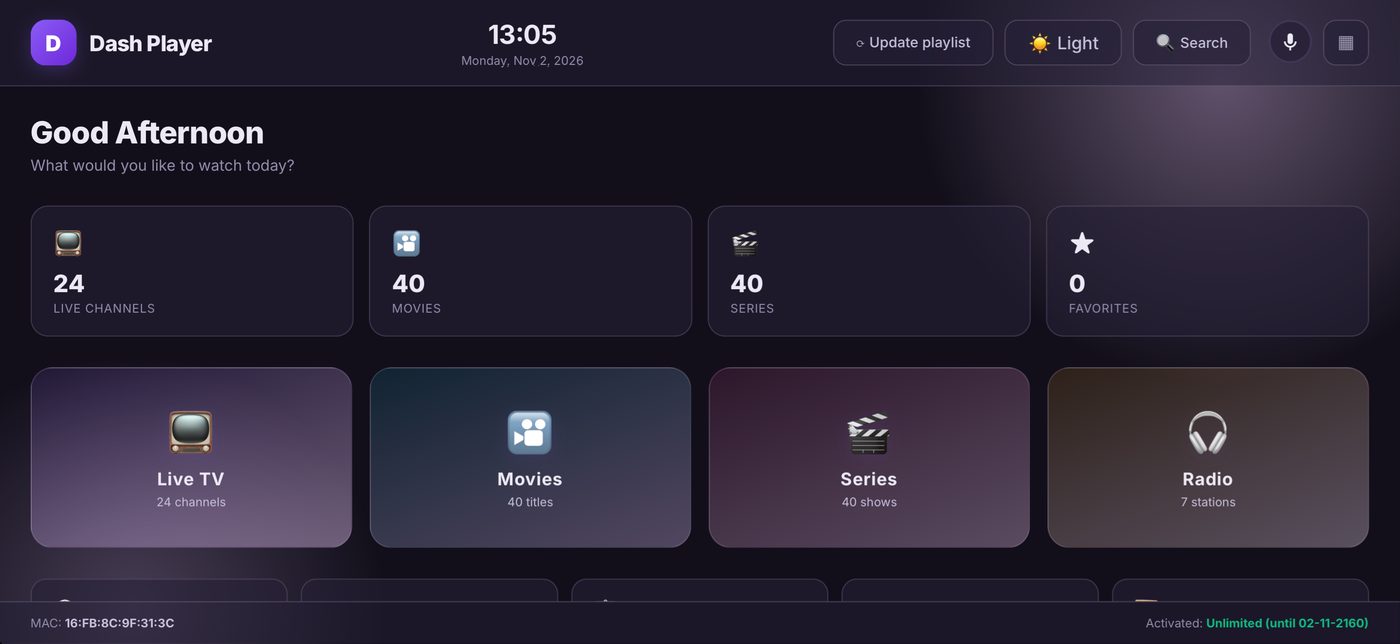
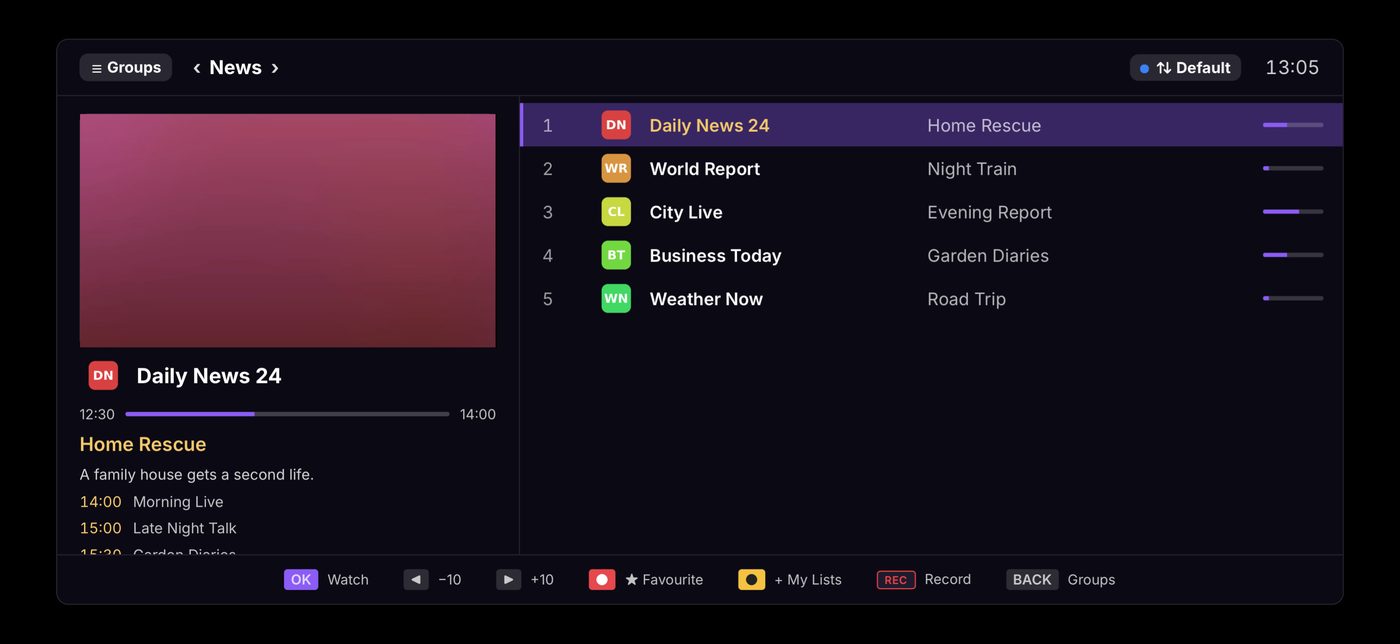
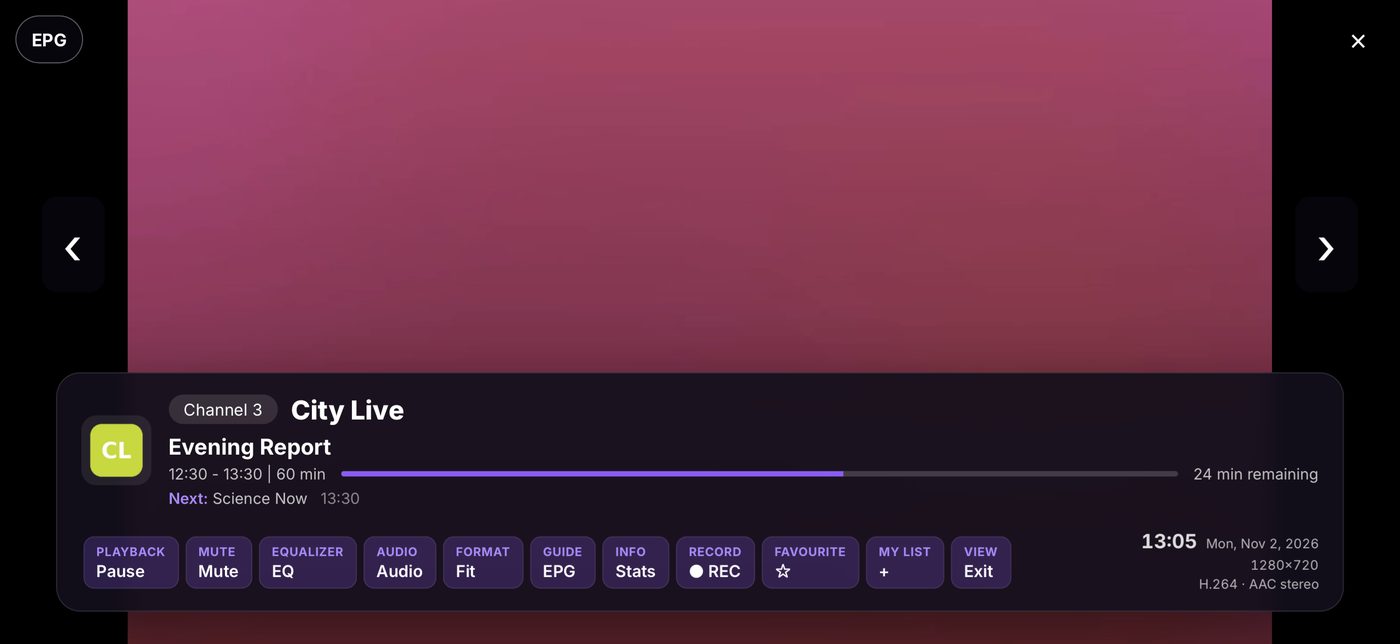
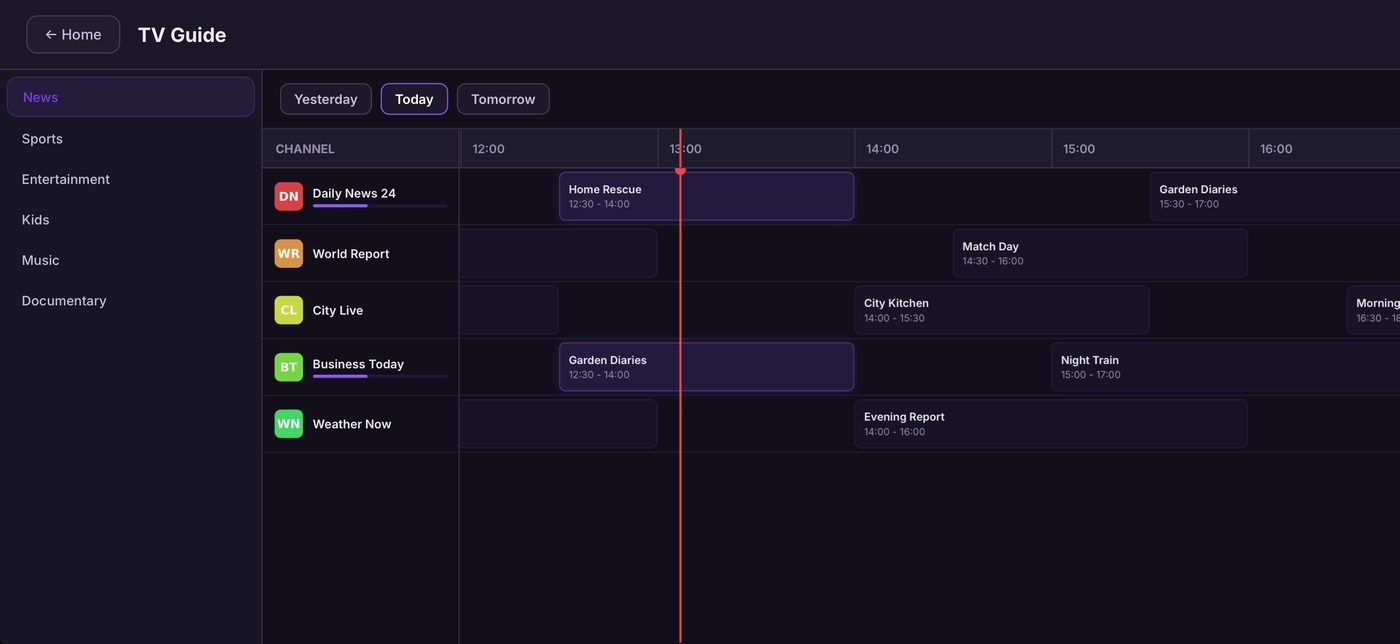
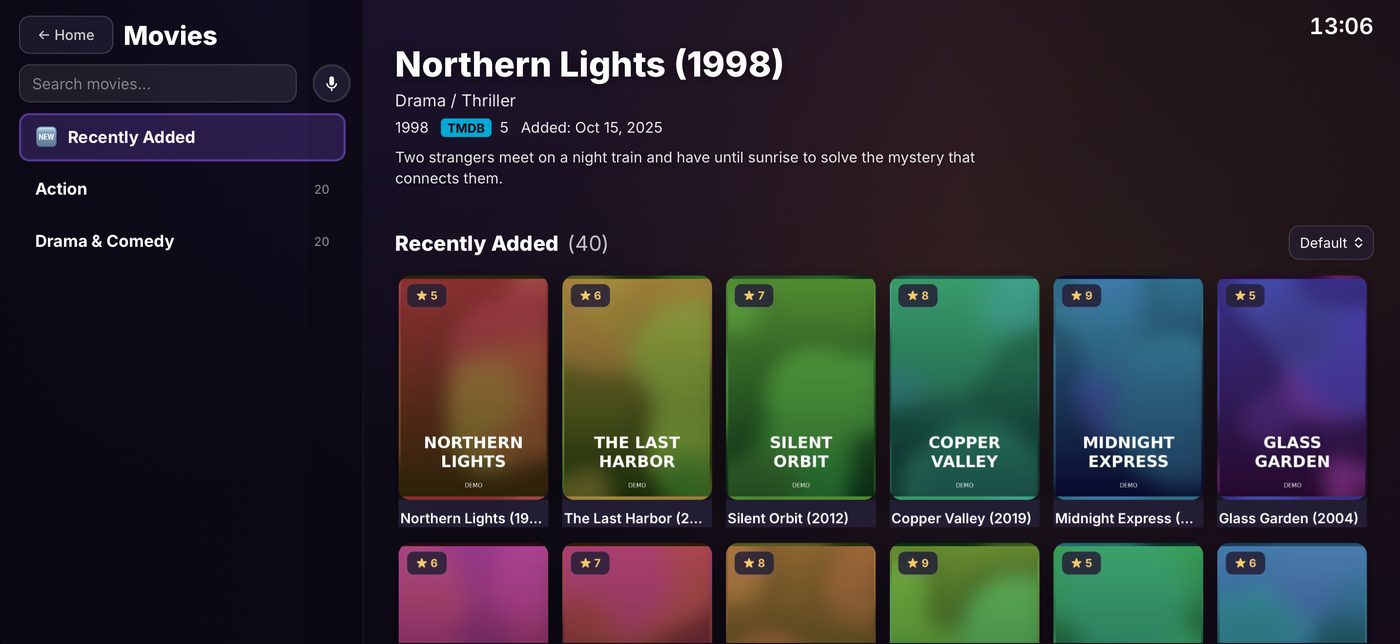
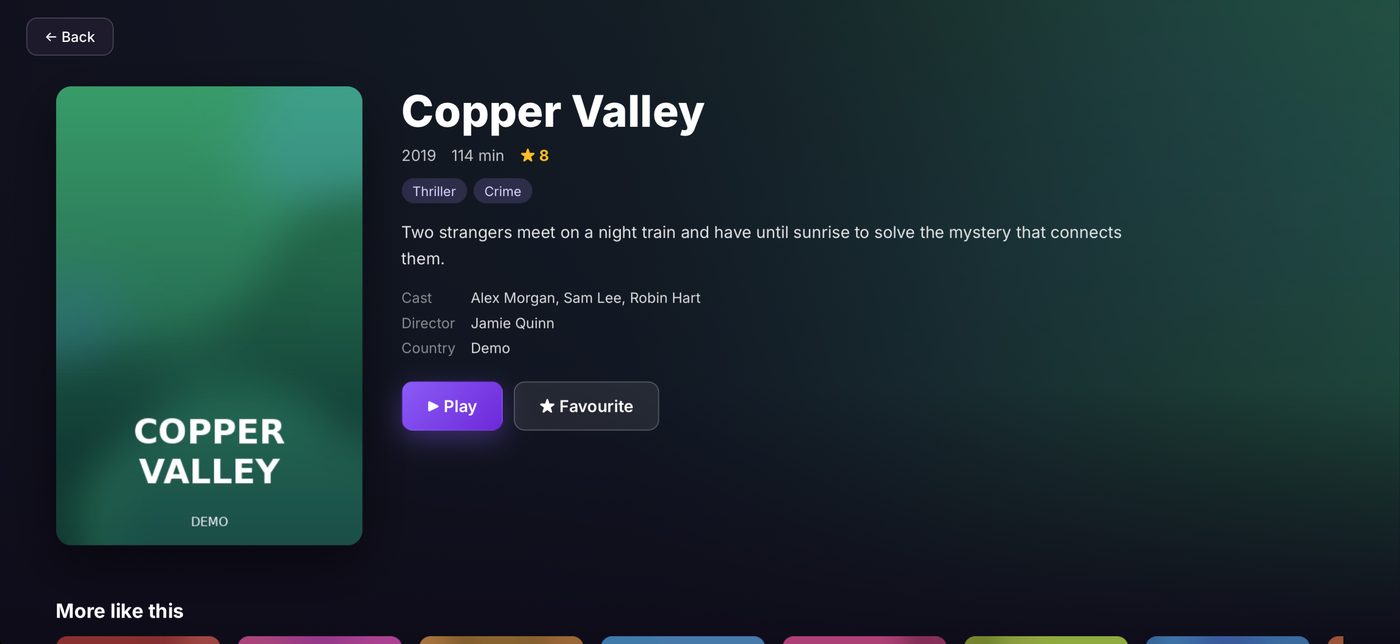
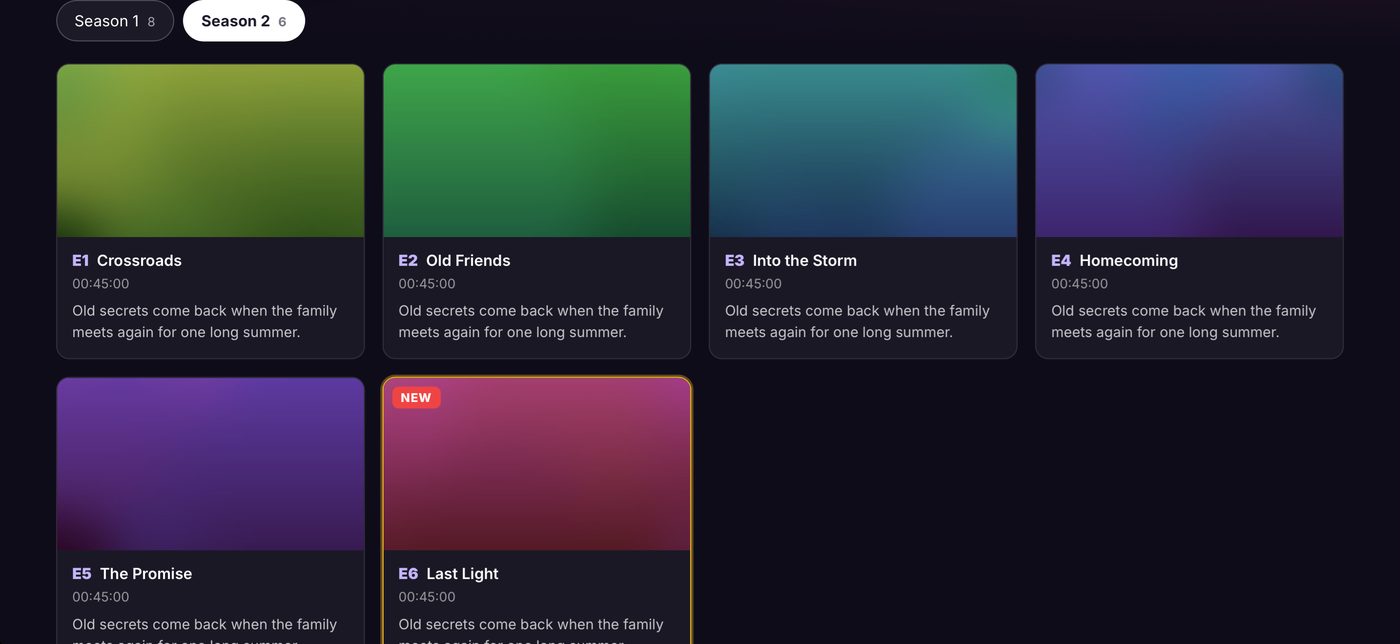
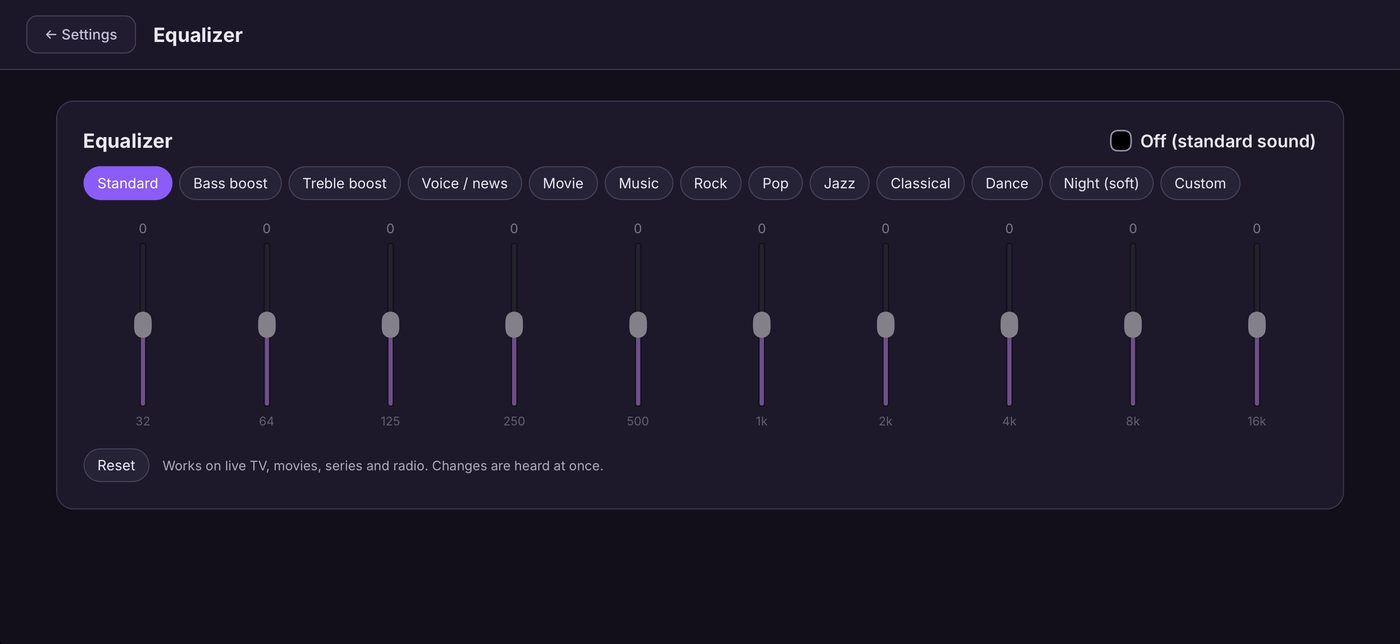
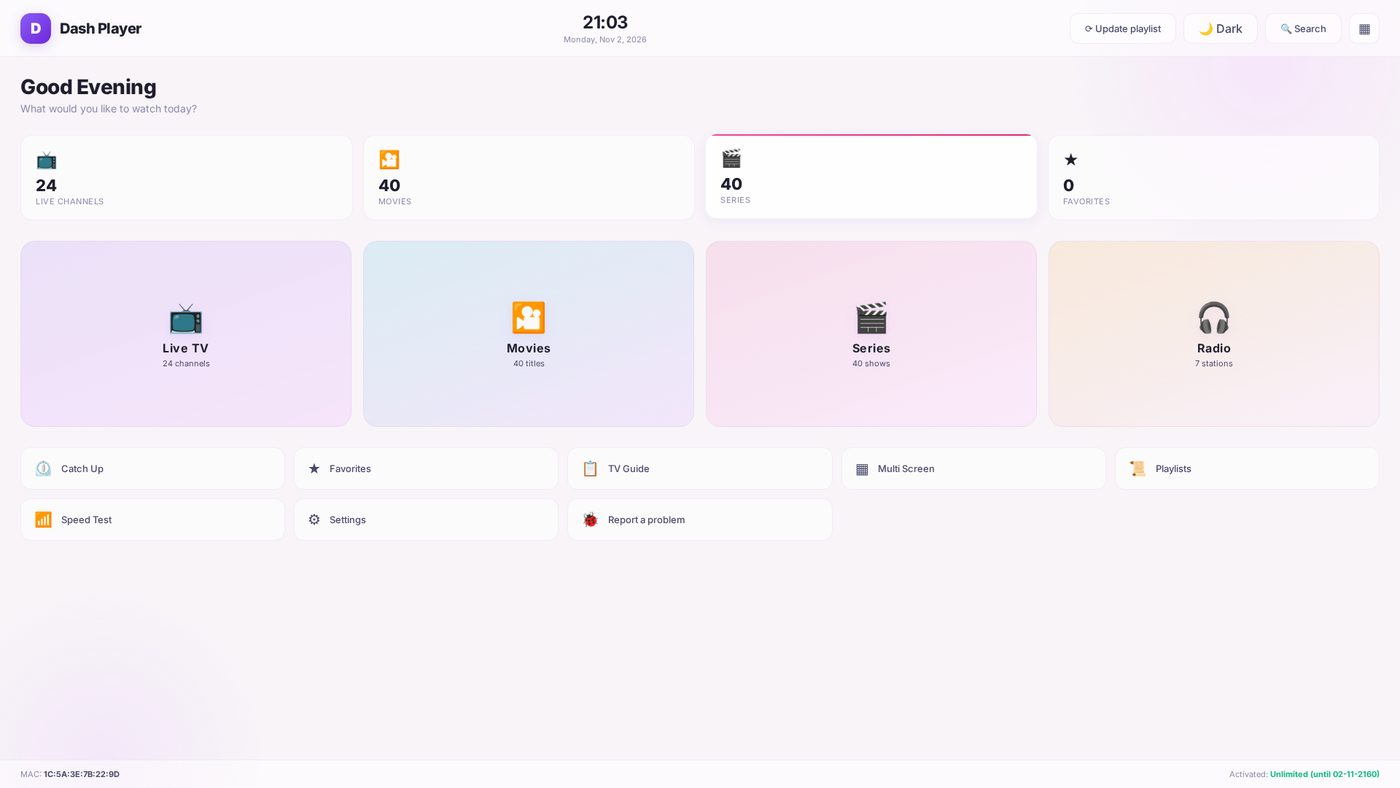
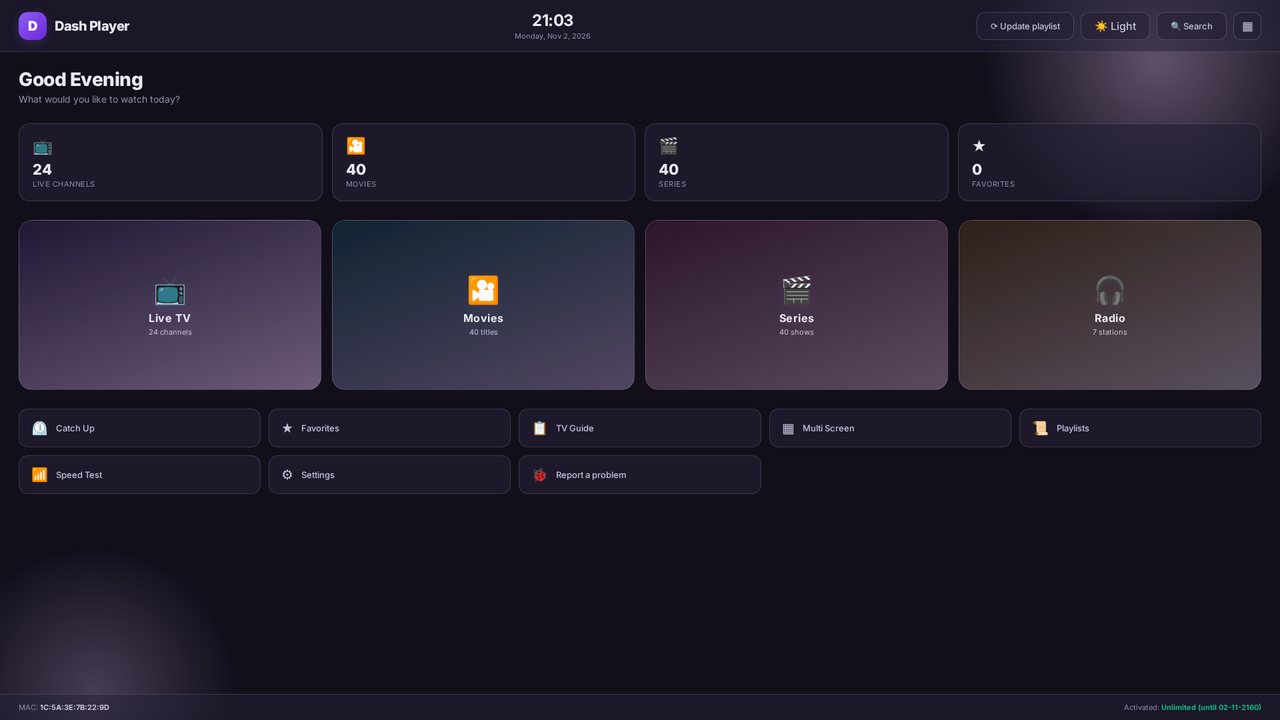
Screens shown with demo content. Dash Player is a player: it comes without channels or content — you add your own playlist.
Ready to Get Started?
Install Dash Player on your device, add your playlist on this website and start watching. Free trial included.
- Android, Android TV & TV boxes: search "Dash Player" in Google Play
- Samsung & LG Smart TV: in the app store of your TV
- iPhone & iPad: coming to the App Store